Layouts made for both shapes
Every built-in layout has a wide and a tall version, so faces and text are framed for TVs and phones alike.
One camera, one take, two live shows. A 16:9 stream for YouTube and Twitch and a 9:16 stream for Shorts, Reels and TikTok, each framed properly for its screen.
Included in every plan · 14-day free trial · Apple silicon, macOS 14.2+
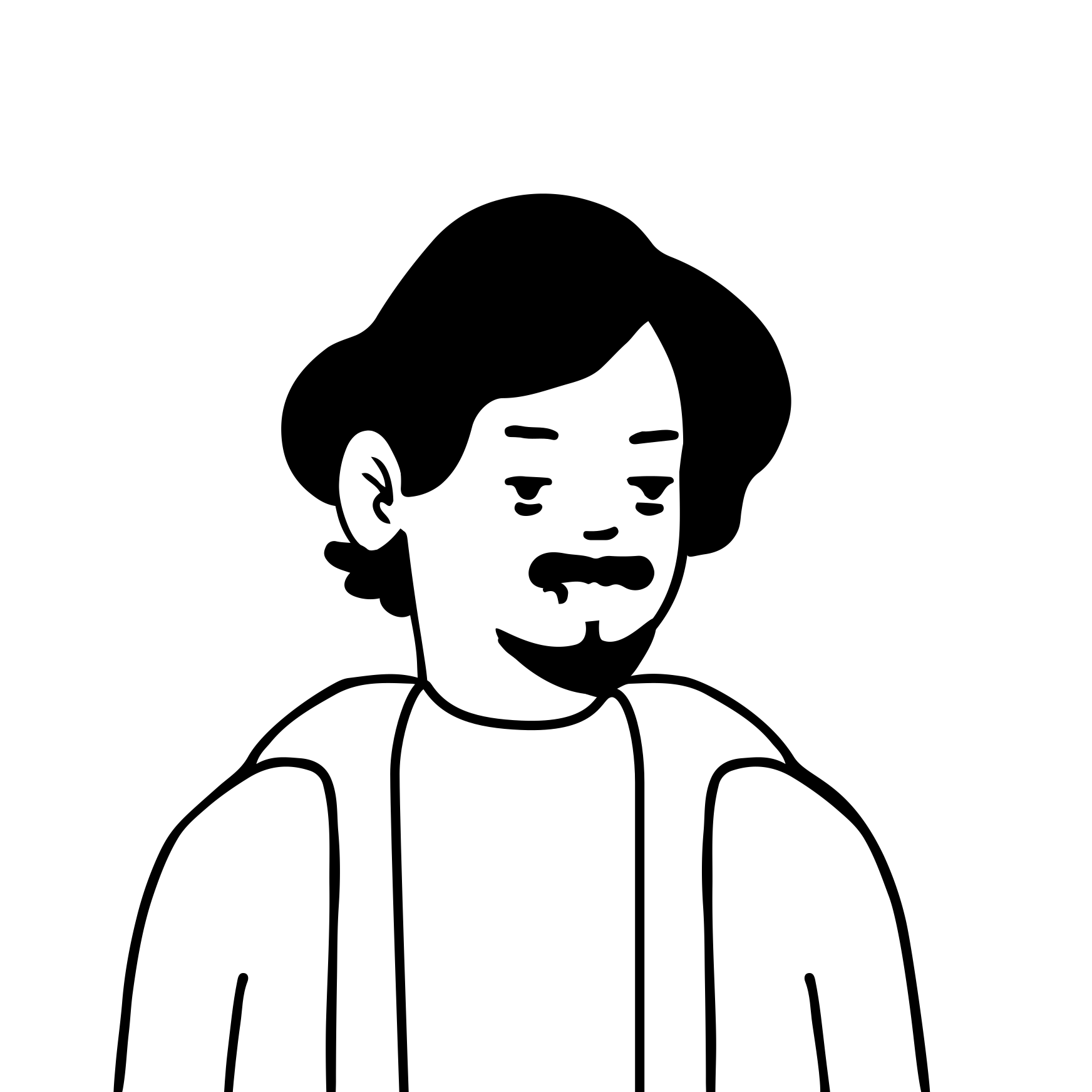 One taketwo canvasesMaya
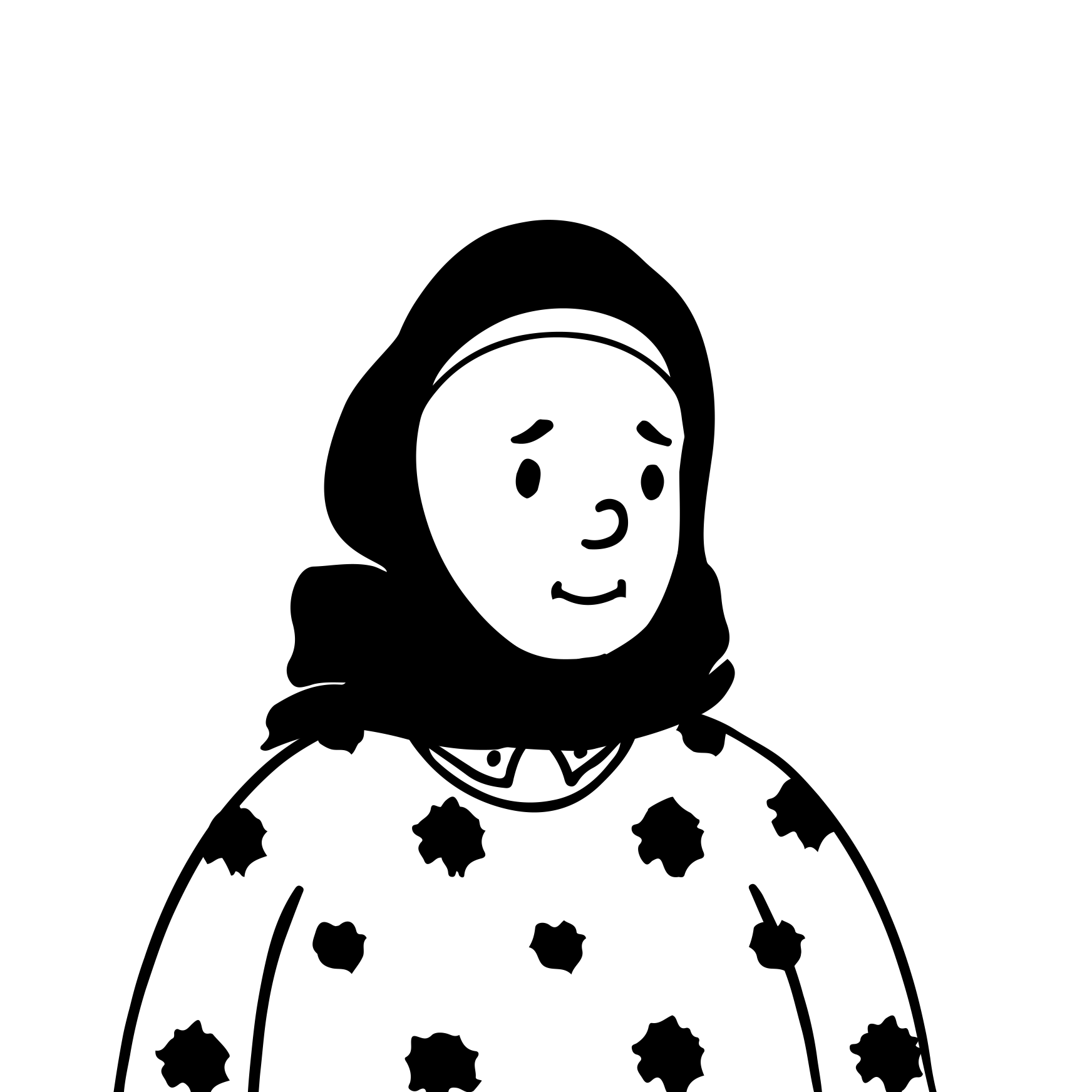 Tom
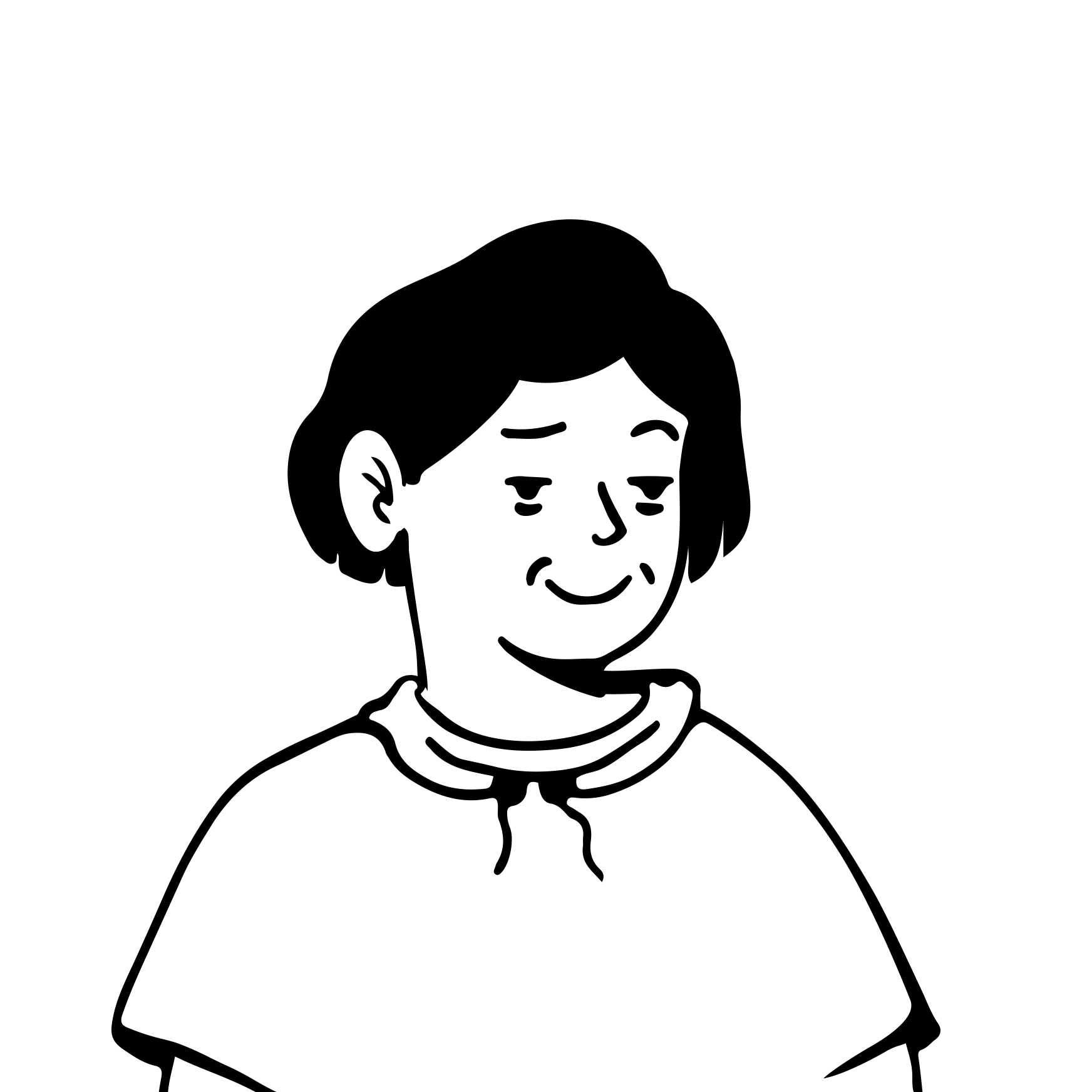 PriyaMayaTomPriya
Cycling through layouts. Pick one to take over.
For TVs, laptops and the main YouTube player. Send it to YouTube, Twitch, Kick or any RTMP server.
For phones and the vertical feeds. Send it to Shorts, Reels or TikTok with each platform's stream key.
Open Settings › Video and turn on Vertical. Pick a resolution from 720p to 4K, or a custom size, and a frame rate for each canvas.

Every layout has a wide and a tall version, so Screen + cam becomes Stacked and Side by side becomes Two up. Check either one with the Horizontal, Vertical or Both tabs.

Point each destination at the canvas it should get, go live once, and record the horizontal canvas, the vertical canvas or both.
Vidyst ships wide and tall versions of every built-in layout. Click one to preview it above.
Every built-in layout has a wide and a tall version, so faces and text are framed for TVs and phones alike.
Run each canvas at its own resolution and frame rate, from 720p to 4K or a custom size.
Point every destination at the 16:9 or 9:16 canvas. One Go live starts them all.
Keep a clean recording of either canvas or both, ready to edit or upload as Shorts.
The Performance meter shows the load of both canvases as Light, Moderate or Heavy before you go live.
The Vidyst virtual camera can carry either canvas into Zoom, Meet and FaceTime.
Horizontal and vertical canvases, recording, merged chat, 2 destinations and 2 guests.
Try free for 14 daysEverything in Basic with 7 destinations, so both canvases can reach every platform. 10 guests.
Try free for 14 daysYes. Turn on the vertical canvas in Settings › Video and Vidyst runs a 16:9 and a 9:16 canvas side by side from the same camera and scenes. Each destination gets the canvas you choose.
Send the 16:9 canvas to your main YouTube stream and the 9:16 canvas to the vertical platform using its stream key. Both start when you press Go live.
No. One camera and one Mac feed both canvases. Every built-in layout has a wide and a tall version, so you are framed properly in each.
Yes. You can record the horizontal canvas, the vertical canvas or both. If the vertical canvas is off, only the horizontal one is recorded.
Each canvas has its own resolution and frame rate: 720p, 1080p, 1440p, 4K or a custom size. The Performance meter in Settings › Video shows how hard your Mac is working.
Yes. Dual canvas is in both Basic and Creator, and in the 14-day free trial.
Any Mac with Apple silicon (M1 or later) running macOS 14.2 Sonoma or later.
Try the vertical canvas free for 14 days. No card needed.
Download for Mac