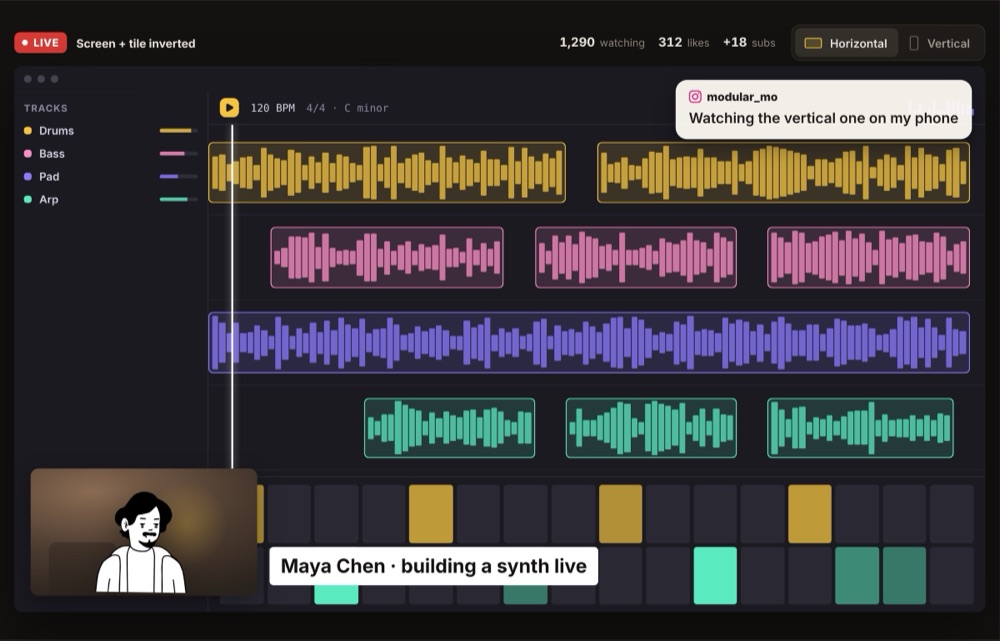
Podcasts
Record a video podcast with co-hosts and guests in different cities, and stream it live while you record.
- Podcast layout with everyone in a row
- Guests join from a browser link
- Echo cancellation for guests on speakers
Record a podcast, teach a class or co-host a stream on YouTube and Twitch. Send a link, guests join from their browser, and you let them in when you're ready. Up to 10 people on stage.
2 guests on Basic · 10 on Creator · 14-day free trial

 Maya (you)
 Tom
Share it anywhere, or send an email invite from the app.
Guests open the link on a laptop or phone. Nothing to install.
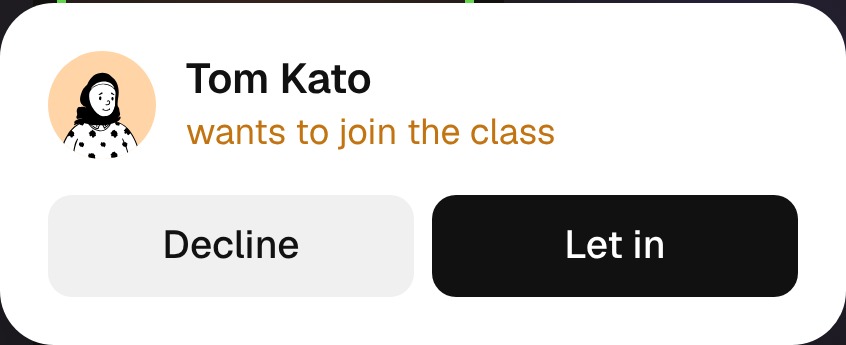
Everyone waits until you press Let in. Decline anyone you don't expect.
2 guests on Basic, 10 on Creator.
However you work with guests, they join the same way: one link, straight from the browser.
Record a video podcast with co-hosts and guests in different cities, and stream it live while you record.
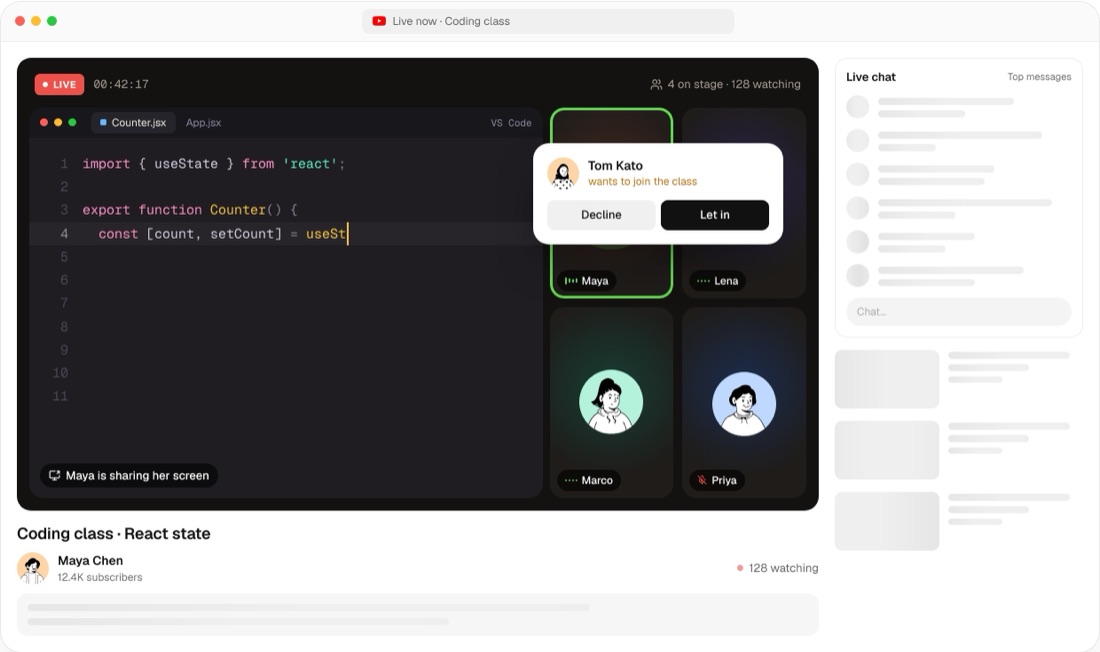
Teach with your screen shared and bring students on to ask questions or show their work.
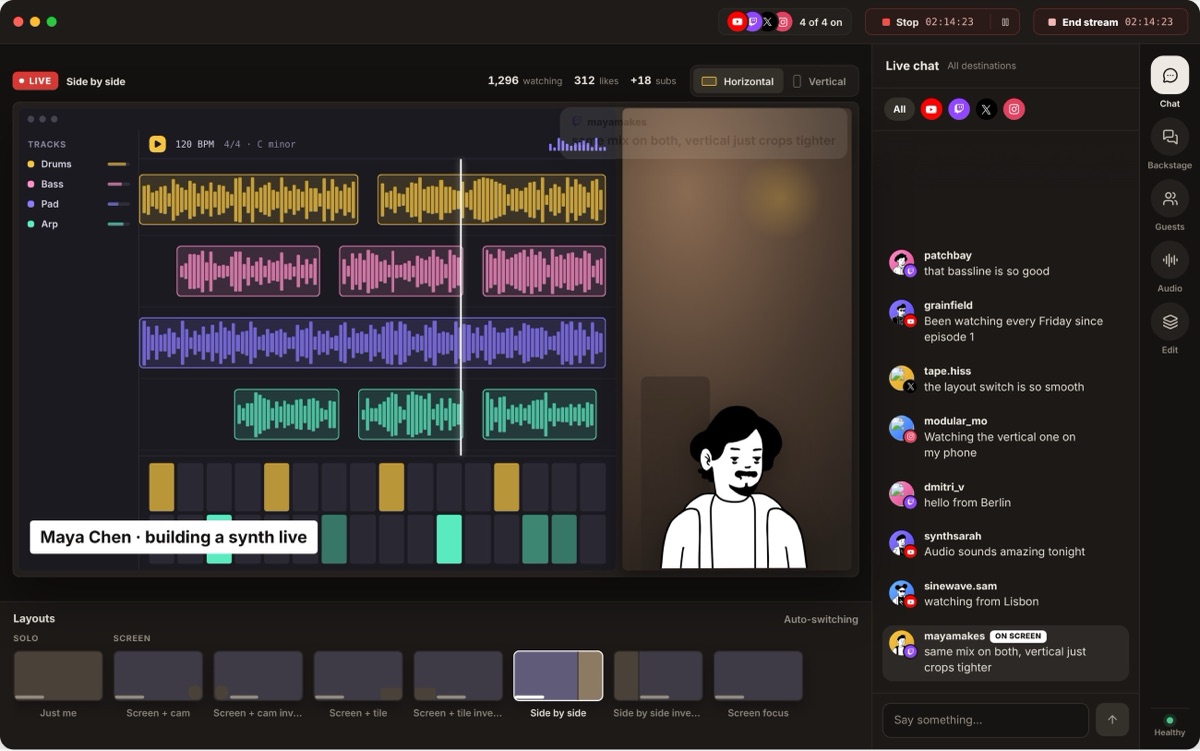
Co-stream with friends, run interviews or host a panel, live on YouTube and Twitch at the same time.
Open Invite guests in the studio, copy the link and send it however you like, or invite people by email. Make a new link any time and the old one stops working.
Guests open the link in their browser and wait in the lobby. You see who's asking to join and choose Let in or Decline.
Pick a layout like Side by side or Podcast and your guests appear on every destination, wide and tall. Chat with them backstage where viewers can't see.
Make a new invite link with one click. The old one stops working, and guests already in the room stay.
Set it to Automatic, Always on or Off. Automatic kicks in when a guest plays your show through their speakers.
Talk to your guests before and during the show. Viewers never see it.
Guests are recorded with the show, mixed into the program, in MP4, MOV or MKV.
Guests appear on every platform you stream to, in both the wide and the tall canvas.
Send invites from the app and see who you’ve invited at a glance.
Up to 2 guests in your room, plus dual canvas, recording, merged chat and 2 destinations.
Try free for 14 daysUp to 10 guests for panels, podcasts and classes. Everything in Basic and 7 destinations.
Try free for 14 daysOpen Invite guests in the studio and share the link, or send an email invite. Guests open the link in their browser, enter their name and ask to join. You let them in when you are ready.
No. Guests join from their web browser on a laptop or phone. There is nothing for them to install.
Up to 2 guests on Basic and up to 10 on Creator, plus you as the host.
Yes. Everyone waits in the lobby until you press Let in, and you can decline anyone. If a link gets shared too widely, make a new one and the old link stops working. Guests already in the room stay.
Echo cancellation can be set to Automatic, Always on or Off. Automatic turns it on when a guest plays your show through their speakers.
Yes. The backstage chat is only for you and your guests. Viewers never see it.
Yes. Guest layouts like Side by side and Podcast have tall versions, so your guests are framed for Shorts and Reels as well.