One click, every platform
Set the title, privacy and category once in the Go live sheet. Every destination starts together.
Press Go live once and your show starts on every platform your audience uses. Straight from your Mac, with each stream tuned for where it's going.
14-day free trial · No card needed · Apple silicon, macOS 14.2+
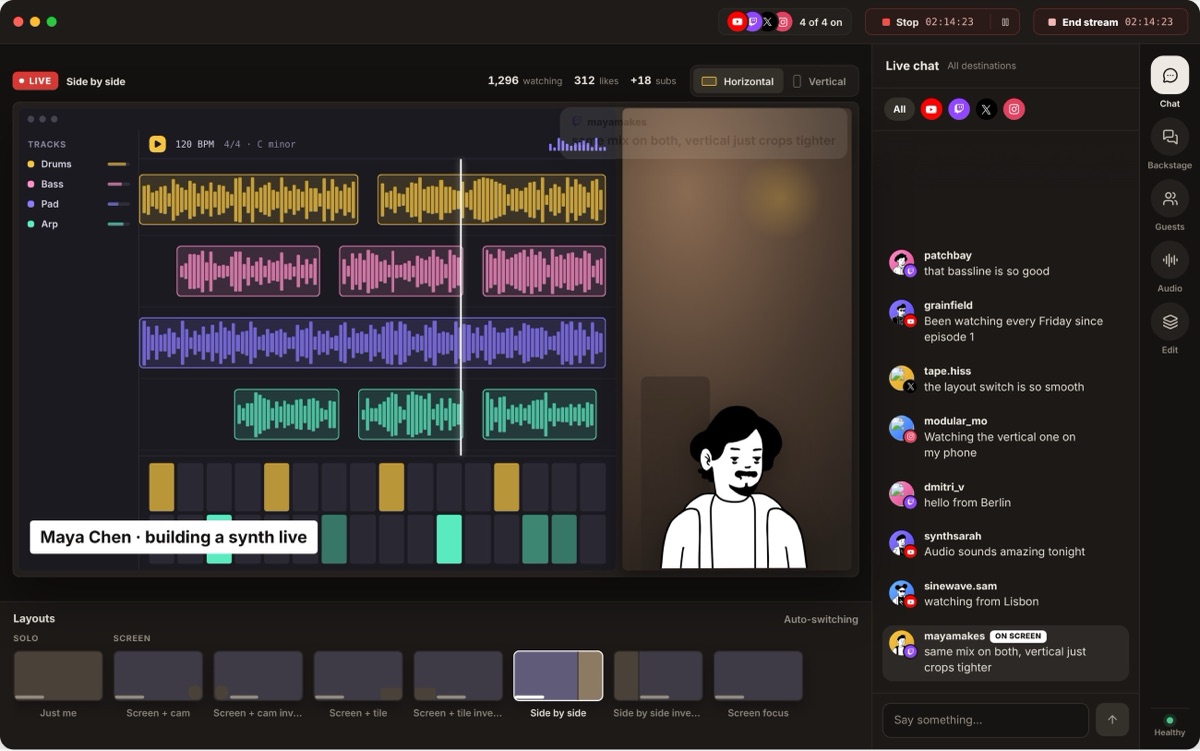 LIVE 00:42:17
Built-in sign-in for YouTube, Twitch and Kick. Anything else with a server URL and stream key.
Sign in to YouTube, Twitch or Kick, or add any service with its server URL and stream key. Keys are stored in your macOS Keychain.
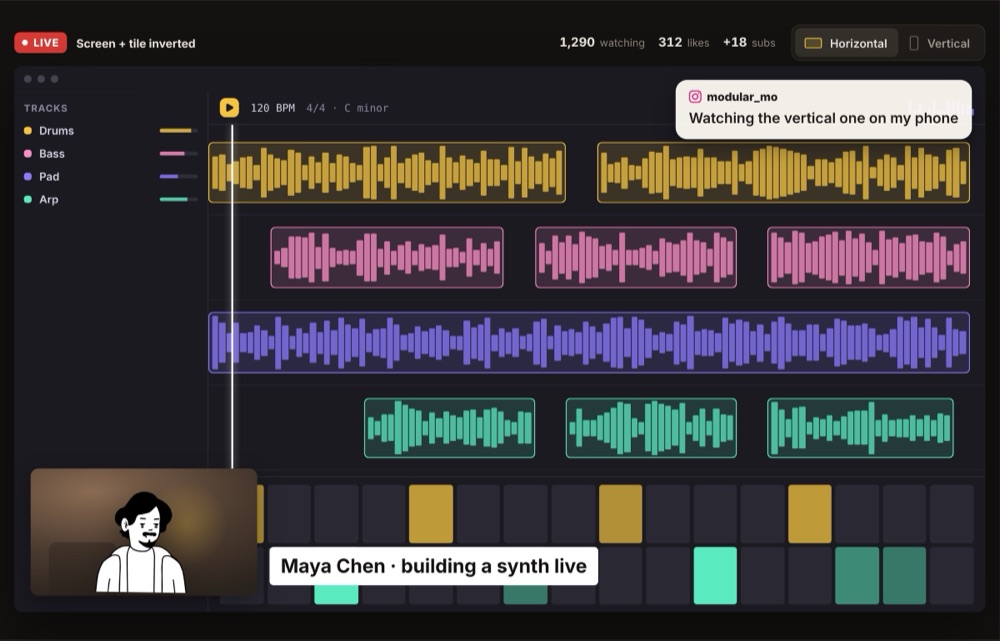
Send the 16:9 canvas to YouTube and Twitch and the 9:16 canvas to vertical platforms. Every destination gets its own resolution and bitrate.

Set the title, who can watch and the category in one sheet, press Go live, and every destination starts together.
Set the title, privacy and category once in the Go live sheet. Every destination starts together.
Choose the 16:9 or 9:16 canvas for each destination, with its own resolution and bitrate.
A destination that loses its connection reconnects on its own. The rest of your show never stops.
Destinations with similar settings share an encoder on Apple silicon. Pick Quality first, Balanced or Efficiency first.
Stream keys live in your macOS Keychain, not in the cloud. Remove a destination and its key is deleted.
Comments from YouTube, Twitch and Kick land in one merged chat you can reply to and put on screen.
Stream to 2 destinations at once. Dual canvas, recording, merged chat and 2 guests.
Try free for 14 daysStream to 7 destinations at once. Everything in Basic, plus 10 guests.
Try free for 14 daysYes. Connect both, turn them on and press Go live once. Vidyst sends a separate stream to each, so both start together from the same show.
YouTube, Twitch and Kick have built-in sign-in. You can add any other service that gives you a server URL and stream key, such as X, Instagram or Facebook, as a custom RTMP or RTMPS destination.
Basic streams to 2 destinations at once and Creator to 7. Both plans start with a 14-day free trial.
That destination reconnects on its own while the others stay live. The studio shows it as reconnecting and tells you how many destinations are up, for example Live on 3 of 4.
Yes. Each destination uses the 16:9 or the 9:16 canvas, with its own resolution and bitrate, so Shorts and Reels get a tall stream while YouTube and Twitch get a wide one.
Yes. Each destination is its own stream, so your upload adds up. Two 1080p30 streams need roughly 15 Mbps. Vidyst shows the exact figure before you go live.
Stream keys for custom destinations are stored in your macOS Keychain on your Mac. Removing a destination deletes its key.
Try multistreaming free for 14 days. No card needed.
Download for Mac